Client Onboarding and Content Collection Kit: South African Edition for Web Designers
R345.00
Collect your client’s text, photos and logins on time, chase what is missing in plain language, and know exactly when the project clock starts. Intake form, trackers, 10 email templates and a pause and restart rule, all in rand. South African edition for freelance web designers and small studios. Works in Excel, Google Sheets and LibreOffice.
- Instant download after payment, from the order confirmation page, your email and My account.
- One licence per designer: use it on unlimited projects for your own clients. Please do not resell or share the files.
- Refund within 14 days if the file is faulty or not as described. Read the refund policy.
Stop waiting on client content.
Most website projects stall for one reason: the client’s text, photos and logins do not arrive. This kit helps you ask for everything once, in plain language, keep track of what has come in, chase what has not, and start the project clock only when the content is here.
It works with the Fixed-Price Website Quote Engine, where the timeline starts once the client’s content has arrived. It also works on its own with any quote or contract that says the same.
This is the South African edition. Prices are in rand, working days skip South African public holidays, and the client forms include POPIA consent wording.
Key facts
- Format: a workbook with 10 sheets for Excel, Google Sheets or LibreOffice, plus two editable Word forms.
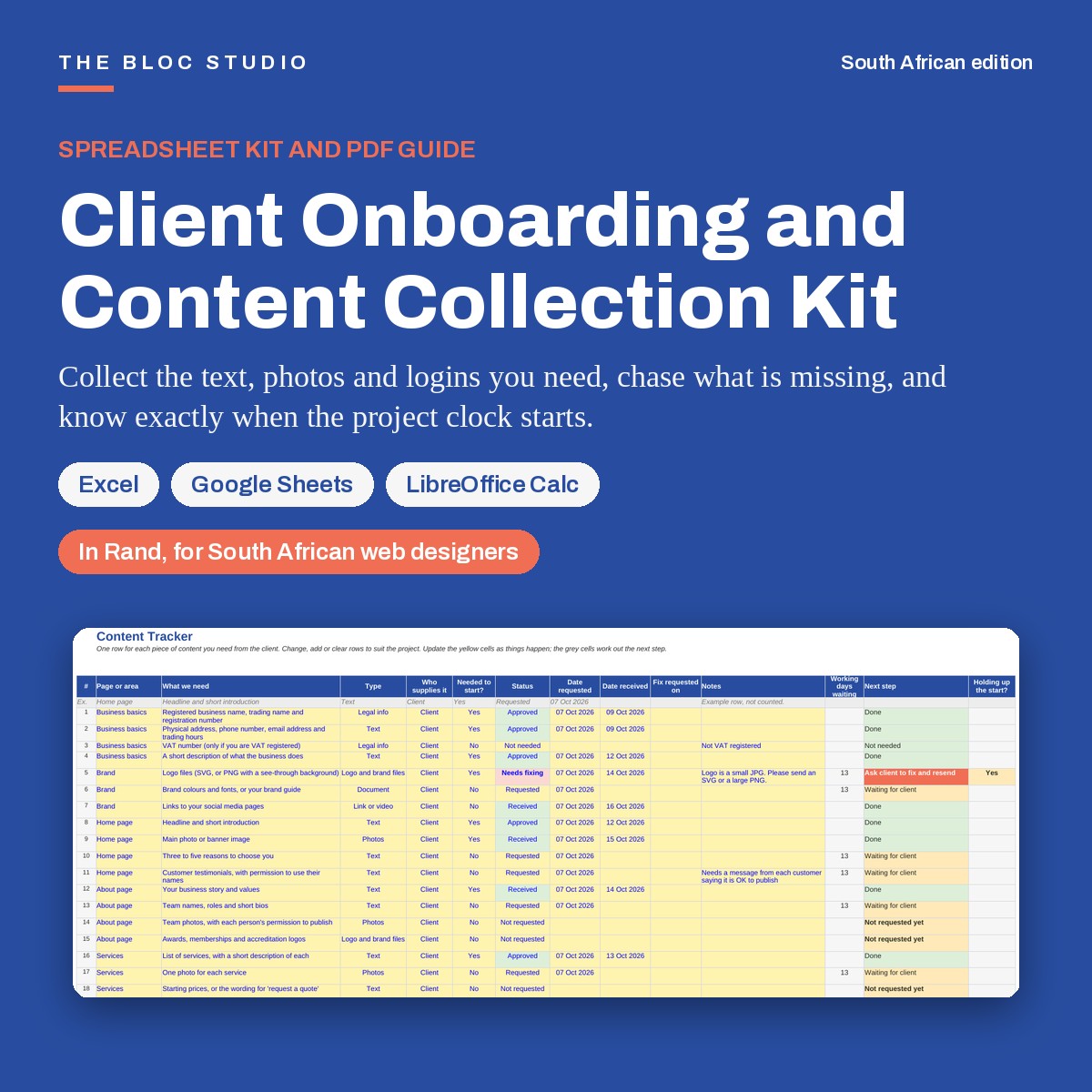
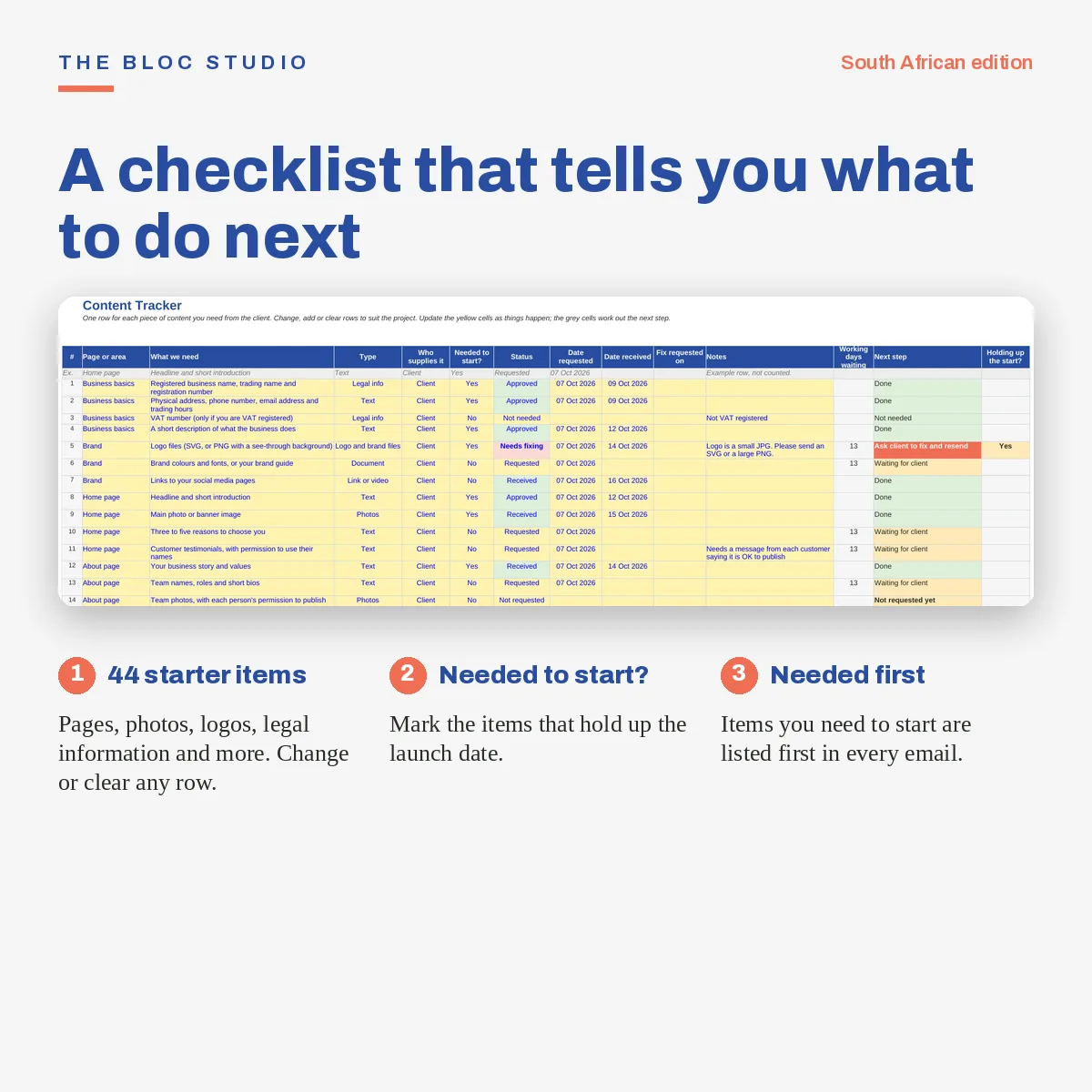
- Client intake: a 37-question intake form, a 44-item content tracker and a 14-item login and access request list.
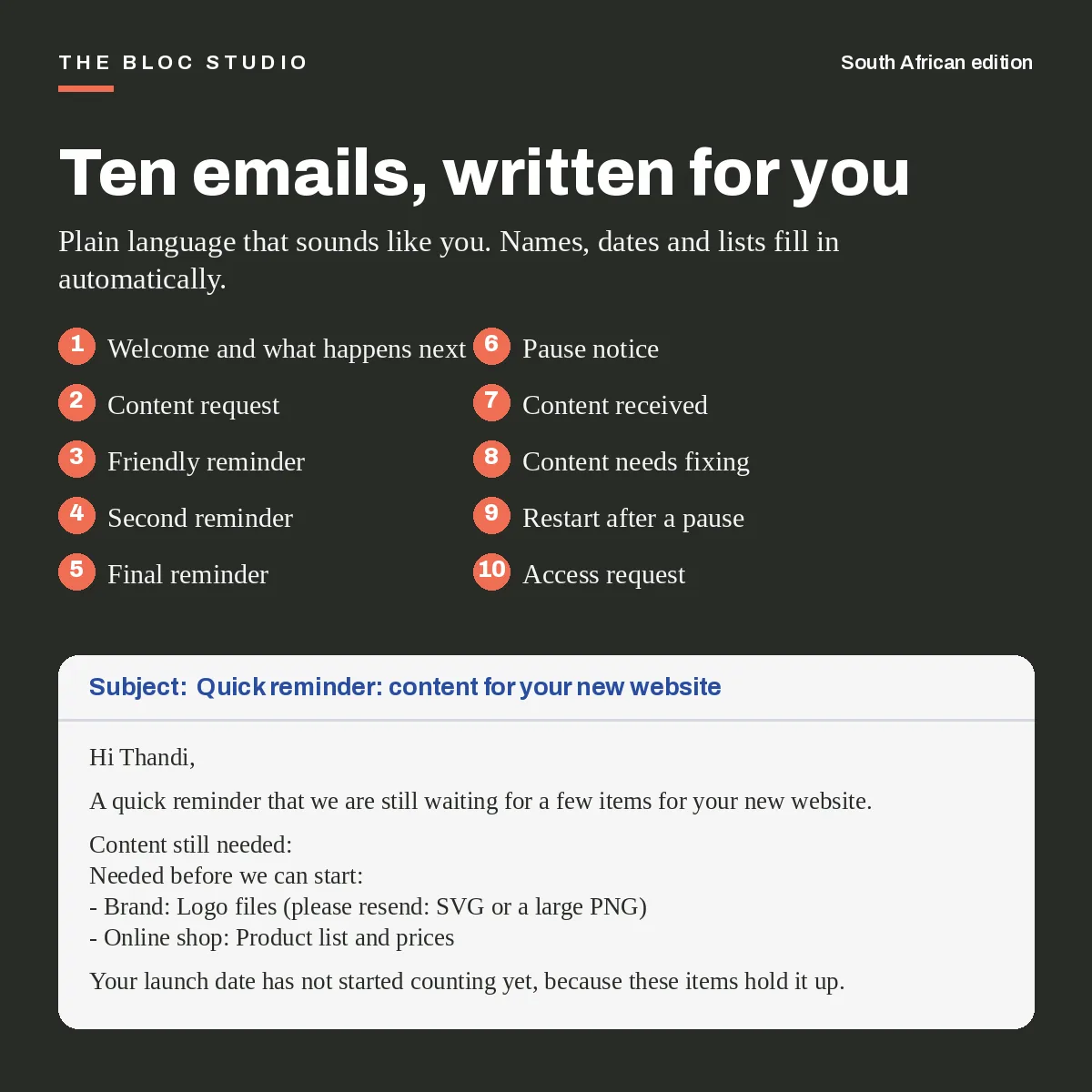
- Emails: 10 copy-and-paste email templates, from the first content request to the pause notice and the restart.
- In the download: a blank file, a sample file and a 13-page how-to guide (PDF) with a worked example.
- Updates: free updates at the start of every year.
What makes it different
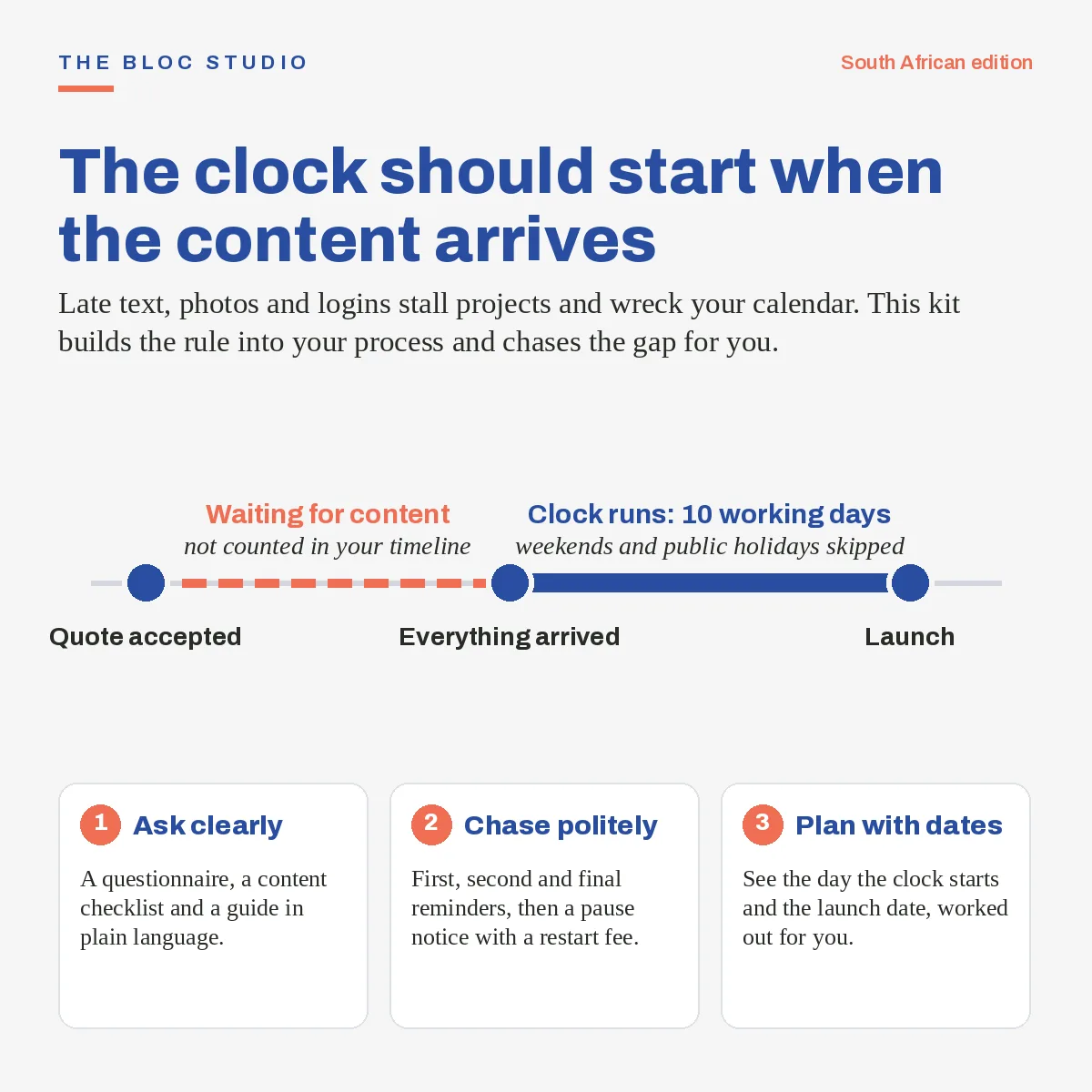
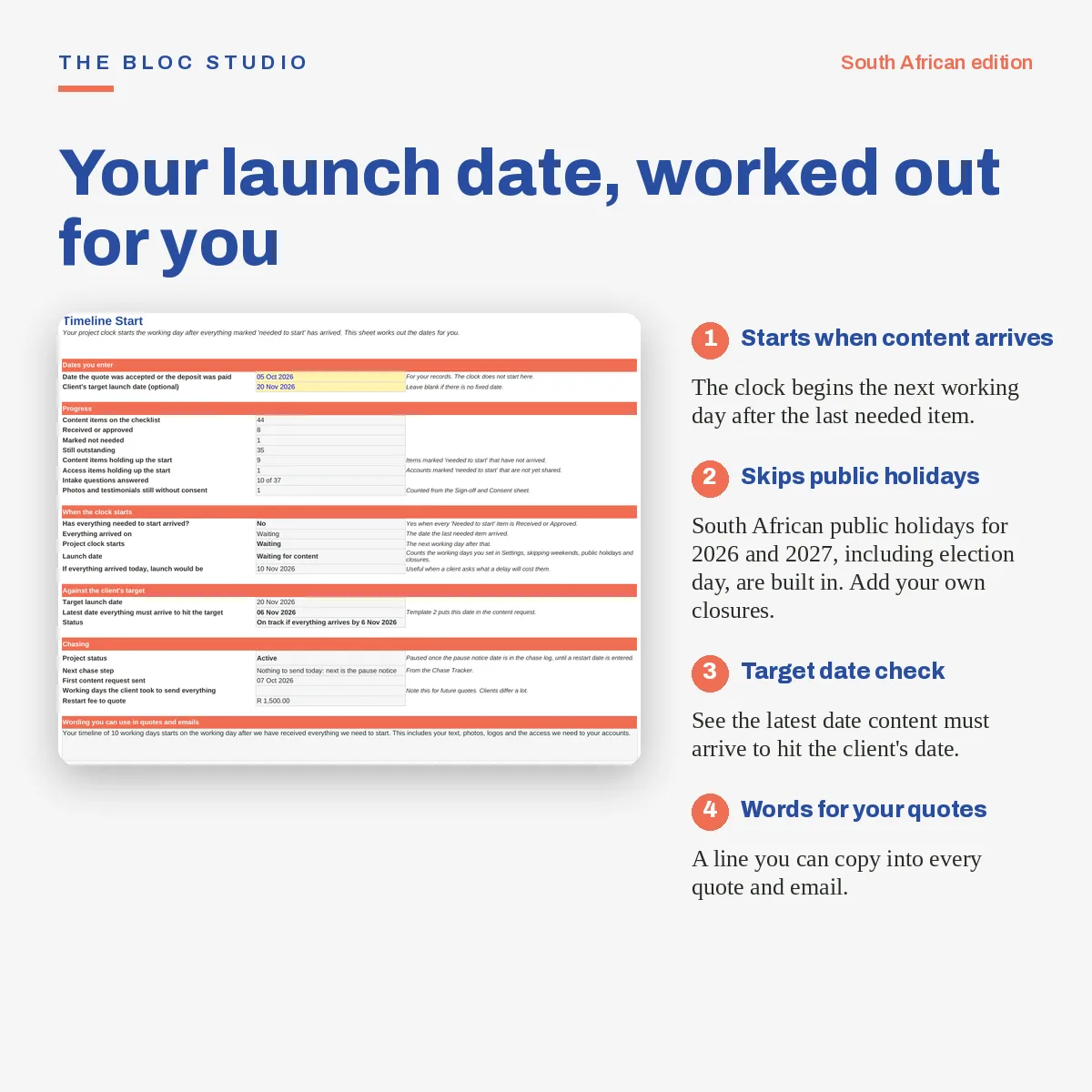
- The clock starts when the content arrives. The Timeline Start sheet works out your start date, your launch date and the latest date the client can send content to hit their target.
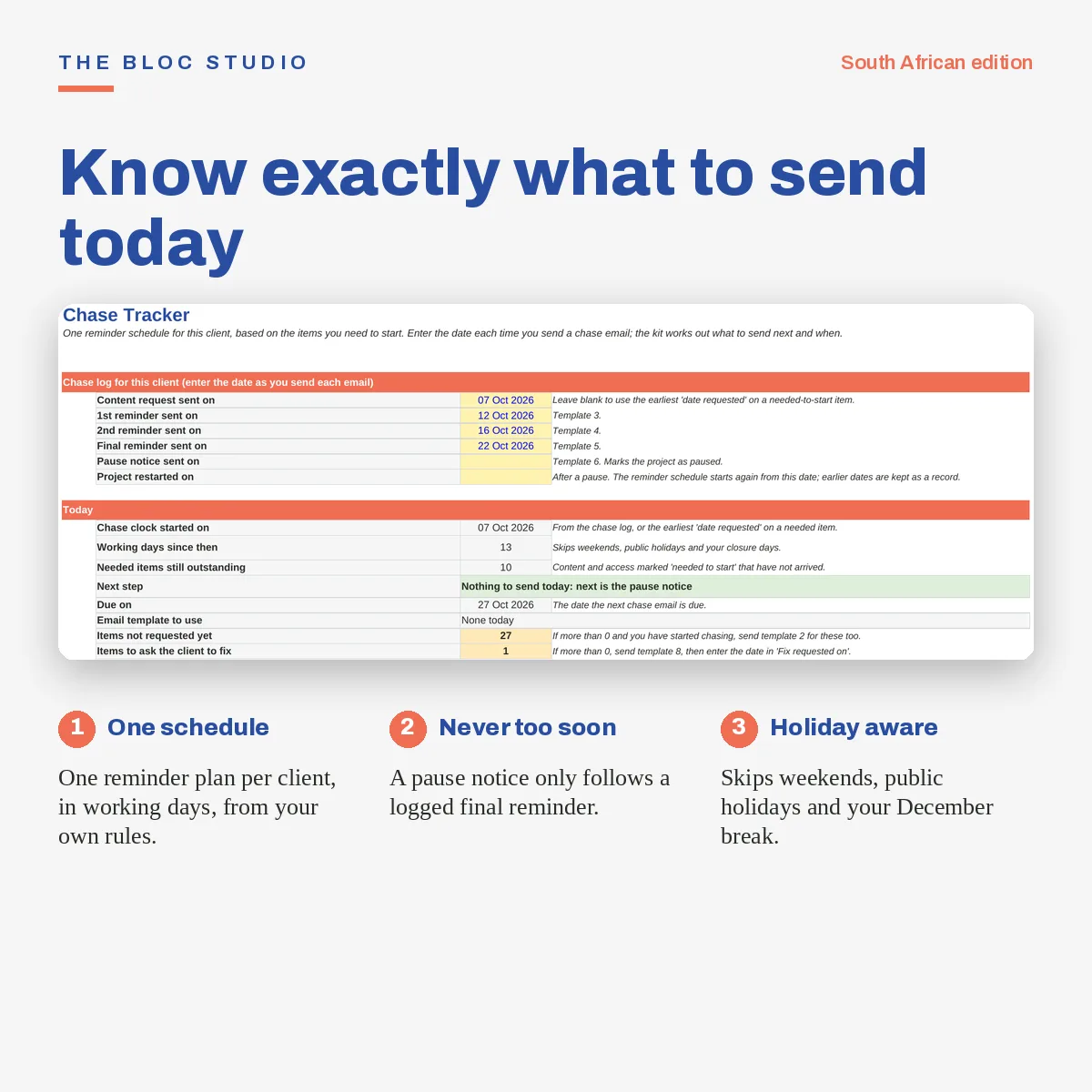
- One chase schedule per client. Log the dates you send the content request and each reminder. The kit counts working days, skips public holidays and your own closure days, and tells you what to send next.
- Needed-to-start items come first. Every email lists what you need before you can start, then what you also need but is not holding up the start date.
- A pause and restart rule. A pause notice only becomes available after the final reminder is logged, and restart fee wording is ready to use.
- The client sees plain language. No jargon, no blame. Forms and emails are written to be easy to answer.
What you get
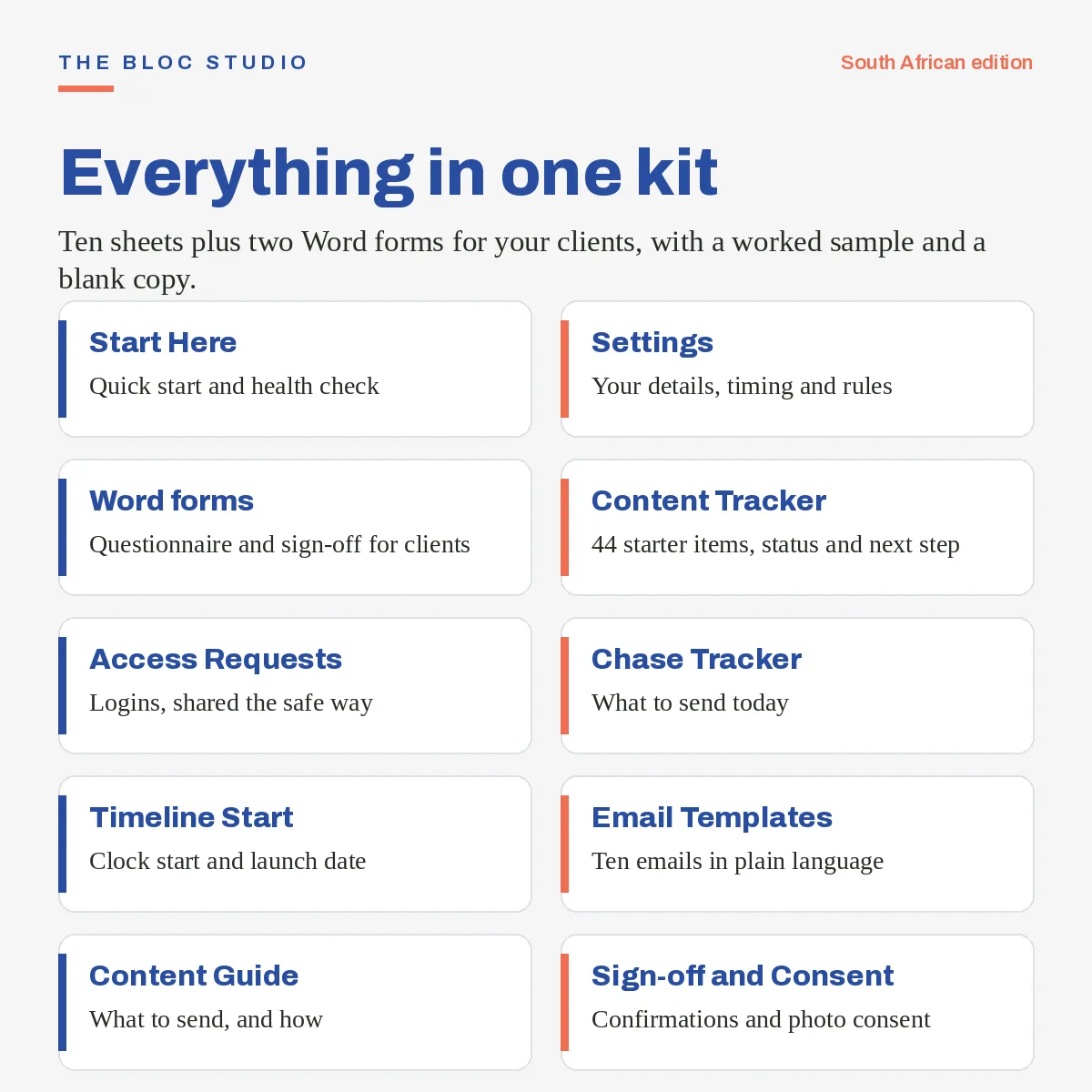
- The Onboarding Kit workbook with 10 sheets: Start Here, Settings, Client Intake, Content Tracker, Access Requests, Chase Tracker, Timeline Start, Email Templates, Content Guide, and Sign-off and Consent
- A blank file for your own clients and a sample file with a fictional client (Protea Plumbing)
- A 44-item content tracker and a 14-item login and access request list, both ready to edit
- A 37-question client intake form
- 10 copy-and-paste email templates, from the first content request to the pause notice and the restart
- A client-friendly content guide that explains what to send and in what format
- Two editable Word forms to send to clients: a website questionnaire and a content sign-off and POPIA consent form
- A 13-page how-to guide (PDF) with a worked example
- A Health Check that tells you if anything is set up wrong
How it works
- Enter your studio details, working days to build and restart fee once in Settings.
- Send the intake questionnaire and the content request email.
- Tick items off in the Content Tracker as they arrive.
- Log each reminder on the Chase Tracker and send the email it suggests.
- When the last needed item arrives, read your start date and launch date from Timeline Start.
Who it is for
- Freelance web designers and WordPress developers in South Africa
- Small studios with one to five people
- Anyone who has had a project sit idle waiting for a logo, a password or the “about us” text
Who it is not for
- If you need an automatic reminder service. This is a tracker and a set of ready emails. You send them yourself.
- If you work outside South Africa. This edition uses rand, South African public holidays and POPIA wording.
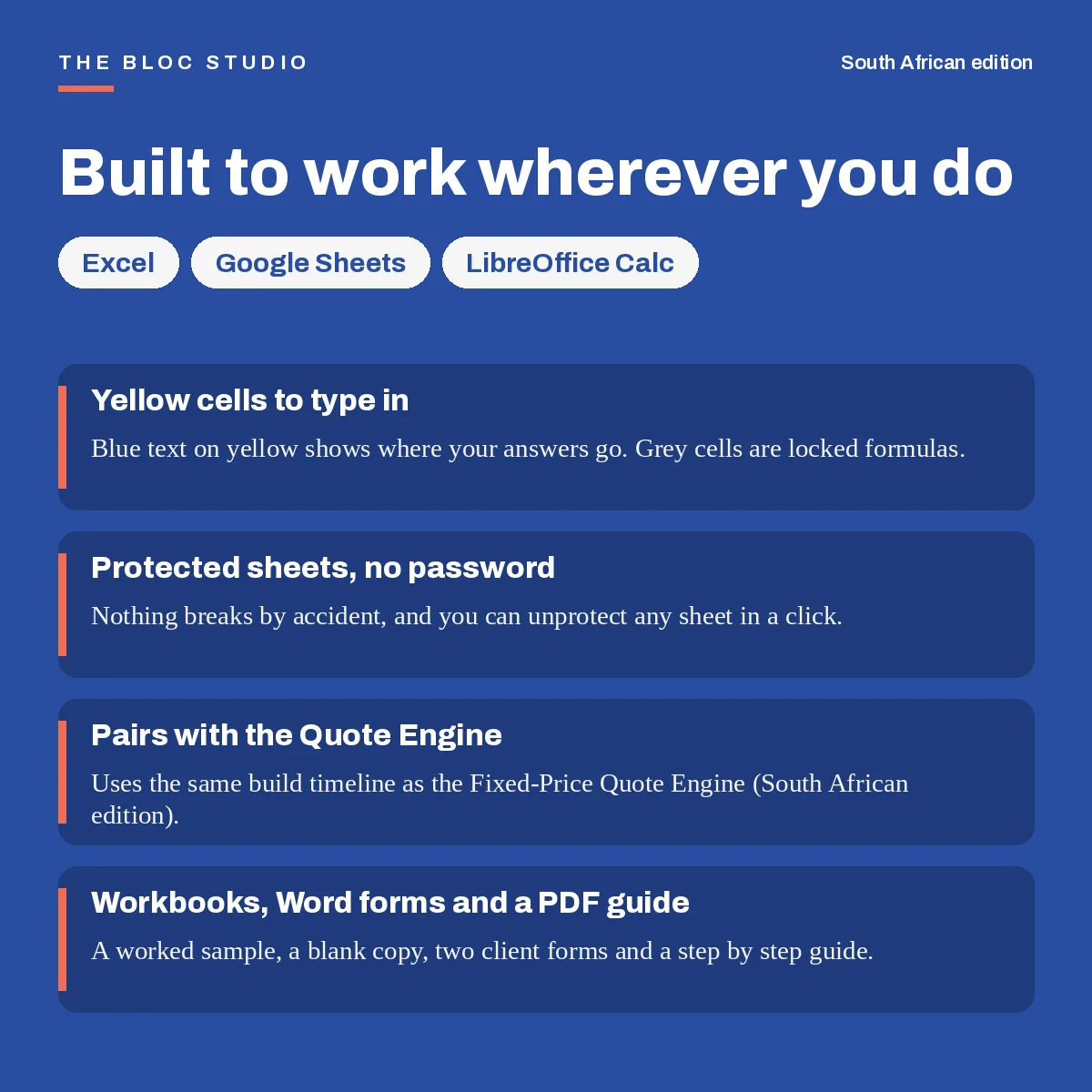
Works in Excel, Google Sheets and LibreOffice. No macros, no add-ins, nothing to install.
Licence and support
One licence covers one person or one studio. Use the kit for any number of your own client projects and send the Word forms and client-facing sheets to your clients. Please do not resell, share or give away the kit or a rebranded copy. Questions: orders@thebloc.studio.
Please note
- The consent and sign-off forms and the email wording are practical tools. They are not legal advice and have not been reviewed by a lawyer.
- Pause and restart fees must match your own quote terms or contract. The fee in the sample file is an example only.
- This is a digital download. Because you receive the files straight away, please read the description and the “Who it is not for” list before you buy. Write to orders@thebloc.studio if something does not work as described.
Frequently asked questions
Last reviewed: November 2026
Do I need the Quote Engine?
No. The kit works on its own. If you use the Quote Engine, the two fit together because both say the timeline starts when the content arrives.
Can I change the wording?
Yes. Every email, question and checklist item can be edited, and there are empty rows to add your own.
Does it send reminders for me?
No. It tells you when a reminder is due and gives you the wording to copy and paste.
Can I send the Word forms to clients?
Yes. Replace the yellow placeholders with your own details first. Clients can fill them in with Word, Google Docs, LibreOffice or Pages.
Do I get updates?
Yes. Free updates are released at the start of every year, at no extra cost.
Ready to get started?
Toolkit details
| Compatibility | Microsoft, Google, LibreOffice |
|---|---|
| Compliance | South Africa |
| Annual updates? | Yes |